Finally managed to find some time and courage to update the Thinkpad X61 to 10.5.6.
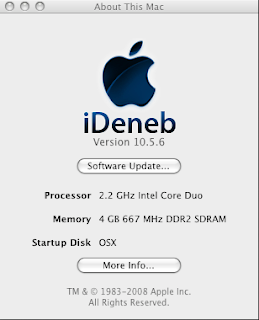
Everything is ok now after initial problem with keyboard and pointing stick. I used the steps below:
1. Download PC-EFI ver 9.0. Install it. Link.
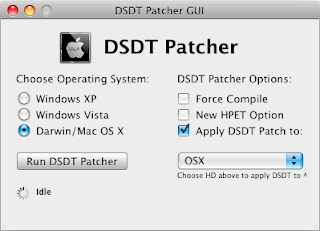
2. Download DDT-Path tool and run it. Link.
3. Notebook User: Get the PS/2 fix reader. Download from here. Also, you have to get ready usb keyboard and mouse as PS/2 mouse and keyboard may not functional after the 10.5.6 update.
3. Reboot your computer to make sure everything is fine.
4. Download OSX 10.5.6 update from Apple. If update from 10.5.5 (you can use the delta update), the rest use the combo update.
5. If you encounter error like system freeze during installation, restart your computer. Remove any external monitor connected (if you are using notebook). Reapply the 10.5.6 update. Reboot again.
6. If you encounter problem like sleep image has garbaged. You can disable deep sleep and remove earlier image at this path:
Disable Safe Sleep first:
To disable safe sleep, run the two following commands in Terminal:
$ sudo pmset -a hibernatemode 0 $ sudo nvram "use-nvramrc?"=falseFire up Terminal. Run this
cd /var/vm
There is a file name called sleepimage. Delete this file by:
sudo rm sleepimage.
7. That's all. You can run Software Update to update the rest of security patches, Safari updates or iWork 08 patches and etc which requires 10.5.6.
